Beginner's Guide to Docker Security 2026
This guide covers the fundamentals of how to harden Docker containers for beginners, providing a clear path to securing your containerized applications. It focuses on Docker-native hardening techniques that form the essential first layer of a defense-in-depth strategy.
How This Guide Was Built
This guide is a documentation-based review built from official Docker documentation, vendor advisories, and community and industry reports — it was not hands-on tested. What was verified: every flag, Dockerfile instruction, and default referenced here was checked against the linked official documentation pages, and every statistic was traced to its cited report. What was not tested: no containers, images, or tools were run in a lab or production environment. Last verified: August 2026.
How to Harden Docker Containers for Beginners
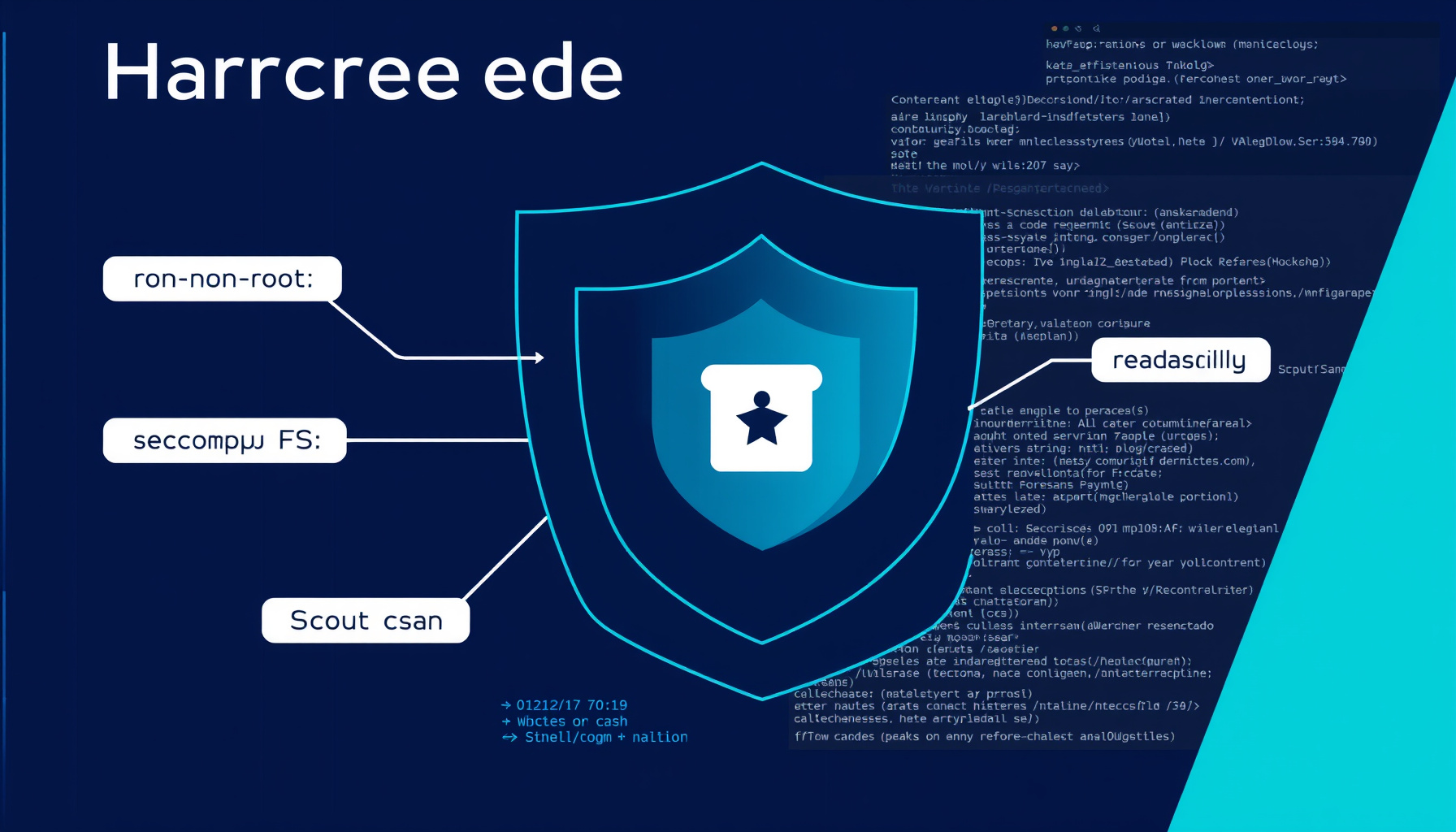
Hardening Docker containers for beginners involves applying configuration best practices — minimal base images, non-root users, dropped capabilities, security profiles, and image scanning — to minimize the attack surface, as outlined in the Docker security overview. For a broader security framework, explore our security frameworks hub.
Why Container Security Matters in 2026
Container security matters in 2026 because containers share the host kernel, so a single breakout can compromise the entire host, as the Docker security documentation explains. Industry data reinforces the urgency: a Red Hat survey found 67% of organizations delayed development due to security concerns. Understand host-level protections in our Linux server hardening guide.
According to the Sysdig 2025 report, enterprises have reduced runtime critical vulnerabilities to less than 6%, indicating that better build-time hardening and scanning is where beginners should focus.
Start With a Secure, Minimal Base Image
Starting with a secure, minimal base image such as Alpine, slim, or distroless variants reduces the attack surface; the Dockerfile best practices guide recommends preferring Docker Official Images or verified publishers and pinning versions by digest instead of mutable tags like :latest. Consider Google’s distroless images for runtime-only containers. Scan these images with tools discussed in our Trivy review.
Run Containers as a Non-Root User
Running containers as a non-root user limits the impact of a potential container breakout, because Docker containers run as the root user by default; use the USER instruction in your Dockerfile, detailed in the Dockerfile reference, as the best practices strongly advise. This principle aligns with broader Linux server hardening techniques.
Make the Root Filesystem Read-Only
Making the root filesystem read-only with the --read-only flag prevents attackers from modifying binaries or installing malware, as the docker run reference documents. For applications that need to write temporary data, combine this with a --tmpfs mount for a writable in-memory scratch space.
Drop Unnecessary Linux Capabilities
Dropping unnecessary Linux capabilities — which grant fine-grained privileges — follows least privilege: run --cap-drop=ALL, then add back only what your application requires, significantly limiting what a compromised container can do on the host. The docker run reference explains --cap-drop and --cap-add, and the OWASP Docker Security Cheat Sheet reinforces this practice. This principle is also key in Kubernetes security hardening.
Enforce Seccomp and AppArmor Profiles
Enforcing seccomp and AppArmor profiles restricts system calls: Docker applies a default seccomp profile that blocks dangerous syscalls. For additional control, load custom seccomp or AppArmor profiles using the --security-opt flag to further constrain container behavior based on your application’s needs; see how to apply AppArmor profiles.
Scan Images and Verify the Supply Chain
Scanning images for vulnerabilities with tools like Docker Scout, which also generates a Software Bill of Materials (SBOM), must happen at build time — the Sysdig 2024 report notes 70% of containers live less than five minutes. Verify image provenance and attestations to ensure supply chain integrity, and enable content trust for image signing. Explore scanning in our scan hub.
Keep Secrets Out of Images and Environment Variables
Keep secrets out of images and environment variables: for runtime secrets, use Docker secrets, which are encrypted and mounted as files, and for build-time secrets, use BuildKit’s --mount=type=secret to avoid leaking them into image layers or the final image. This is a critical practice for API security hardening.
Limit Resources and Isolate Networks
Limiting resources and isolating networks prevents denial-of-service: set resource limits with --memory and --cpus, covered in the docker run reference, create user-defined bridge networks instead of using the default, and only publish ports that are absolutely necessary, minimizing the network attack surface. The networking guide explains network isolation.
Patch the Engine, Rebuild Often, and Audit
Patch the engine, rebuild often, and audit: keep the Docker Engine and its components (like runc) updated to fix critical vulnerabilities such as CVE-2024-21626. Consider using rootless mode to mitigate daemon breakout impact. Regularly audit your host configuration against the CIS Docker Benchmark using the docker-bench-security tool. Track vulnerabilities on our CVEs hub.
Docker Hardening Quick-Start Checklist
This quick-start checklist summarizes the key Docker hardening steps: use a minimal base image, run as non-root, set --read-only, drop all capabilities, apply seccomp/AppArmor, scan with Docker Scout, manage secrets properly, limit resources, isolate networks, and update the engine regularly. For further hardening, consult our guides on Kubernetes security, Linux server hardening, and API security.
FAQ
What is the most important Docker security practice for beginners?
Running containers as a non-root user is arguably the most critical single step for beginners. Using the USER instruction in a Dockerfile to avoid running processes as root drastically reduces the potential impact of a container compromise, as detailed in the Dockerfile best practices.
How often should I scan my Docker images for vulnerabilities?
Images should be scanned at build time in your CI/CD pipeline and regularly thereafter, especially for base images that receive updates. Tools like Docker Scout facilitate continuous scanning. Given that containers are often short-lived, catching vulnerabilities early is essential.
Is Docker secure by default?
Docker provides several security defaults, such as a default seccomp profile, but it is not fully secure out of the box. The Docker security overview explains that containers share the host kernel, requiring explicit hardening measures like those covered in this guide to minimize risks effectively.
📖 Related Reads
- CodeIntel Log — code quality, debugging, and software engineering benchmarks
Cross-links automatically generated from None.